
The Best Fonts for Email Signatures: Professional Guide & Examples
Choosing an email signature font seems like a minor detail, but it can break your entire layout.
Unlike standard web development, email clients rely on older rendering engines. If you use a custom font, it might look beautiful on your Mac, but completely collapse into an unreadable mess when your client opens it in Outlook Desktop.
To avoid disjointed formatting, "Message clipped" warnings in Gmail, and illegible text on iPhones, you must stick to universally supported web-safe typography. This ensures your professional identity is maintained exactly as you designed it, regardless of the recipient's software.
| Font Name | Type | Compatibility |
|---|---|---|
| Arial | Sans Serif | All Clients (100%) |
| Helvetica | Sans Serif | All Clients (100%) |
| Verdana | Sans Serif | All Clients (100%) |
| Georgia | Serif | All Clients (100%) |
| Times New Roman | Serif | All Clients (100%) |
Professional Signature Font Examples
Arial
Arial is available on virtually every device, making it the safest choice for consistent rendering. It’s clean, unpretentious, and guarantees your layout will never break.
Best for: General business and large enterprise corporate signatures.
Compatibility: 100% of email clients including Outlook Desktop.
Marketing Director
Helvetica
Helvetica is incredibly clean and modern. It is the default sans-serif on Apple devices and is universally respected by designers for its sharp edges.
Best for: Creative agencies, marketing departments, and premium brands.
Compatibility: 99% of modern email clients.
Marketing Director
Verdana
Verdana features wide letter spacing and a large x-height, making it exceptionally legible—even at very small sizes on 320px mobile screens.
Best for: High mobile-open-rate audiences or sales roles.
Compatibility: 100% of desktop and mobile clients.
Marketing Director
Tahoma
Tahoma is slightly narrower than Arial and Verdana. This trait is a secret weapon for fitting long job titles or email URLs onto one line without unwanted text wrapping.
Best for: Academic titles or emails with very long domain names.
Compatibility: 100% of standard clients including web-based Gmail.
Marketing Director
Georgia
Georgia was designed specifically for screen readability and gives a classical, authoritative feel to any signature without feeling as rigid as Times New Roman.
Best for: Boutique law firms, consulting, and finance roles.
Compatibility: 100% of standard desktop and mobile apps.
Marketing Director
Times New Roman
Often the default font for legal, academic, and government documents, Times New Roman commands immediate formal respect.
Best for: Government contractors, public policy, and heavy corporate finance.
Compatibility: 100% (This is the universal fallback font for missing styles).
Marketing Director
Trebuchet MS
Trebuchet MS features slightly rounded, distinctive letters that offer a friendly but still highly professional aesthetic for a modern business.
Best for: Customer success teams, HR, and education.
Compatibility: 100% of standard clients.
Marketing Director
Poppins (Web Font)
Poppins is a modern geometric sans-serif font. While it requires a fallback stack for Outlook Desktop, it offers an incredibly sleek branding style when supported.
Best for: Startups and tech brands willing to use smart fallback stacks.
Compatibility: Limited (Supported in Apple Mail and iOS; heavily restricted in Outlook/Gmail).
Marketing Director
Web-Safe Fonts vs Custom Fonts
There is a massive difference between a web-safe font and a custom font. Web-safe fonts (like Arial or Georgia) are pre-installed on every Mac, Windows, and iOS device. When your email arrives, the recipient's computer already knows how to draw the letters.
Custom fonts (like Google Fonts) must be downloaded over the internet when the email opens. Because email clients are hyper-focused on security, many (especially Outlook Desktop and Gmail Web) block these external font downloads automatically.
If you use a custom font, you must establish a fallback stack. This tells the email client: "Try to load Poppins; if blocked, use Arial." Example: font-family: 'Poppins', Arial, sans-serif;. Without the fallback, Outlook will forcefully swap your text to Times New Roman, destroying your layout margins.
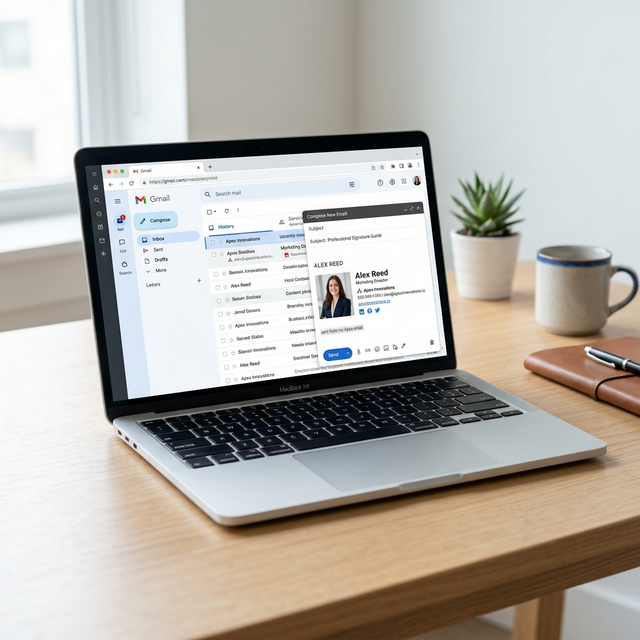
Best Font Size for Email Signatures
Understanding what font size to use in your email signature is just as important as the font family itself.
For your Display Name, use a bold font between 16px and 18px. This establishes clear visual hierarchy so the recipient knows exactly who is writing the message.
For your Contact Information (Job Title, Phone, Domain), stick to 11px to 14px. Going smaller will make the text illegible on an iPhone, while going larger will make your signature look artificially inflated and unprofessional on desktop monitors.
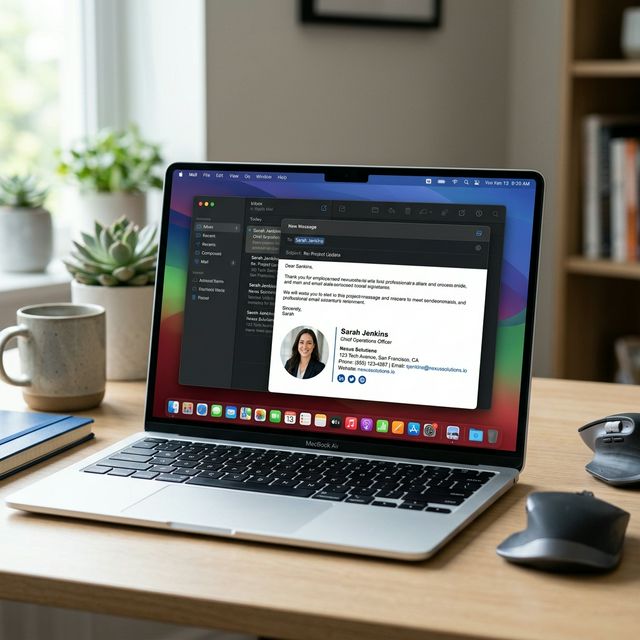
Fonts for Different Industries
Corporate / Finance
In highly regulated industries, visual trust is paramount. Rely heavily on Georgia or Arial. These fonts are straightforward, easily legible during fast scanning, and convey stability and tradition.
Creative / Marketing
Agencies and marketers need distinct, sharp aesthetics. Helvetica and Trebuchet MS offer clean lines that support vibrant layouts, without breaking table-based HTML rules. They communicate modernity and attention to detail.
Tech / SaaS
If your audience primarily uses Apple Mail or iOS devices (which support web fonts), you can safely use sleek options like Poppins or Inter, provided you back them up appropriately with Helvetica or Arial in the code stack.
Legal / Government
Formal institutions should utilize Times New Roman or Georgia. They align with standard document regulations and present the sender with maximum authority and seriousness.
Gmail vs Outlook Font Behavior
If your signature looks different on various platforms, it is because of how they process code.
Microsoft Outlook uses the Microsoft Word engine to render emails. It famously strips out complex CSS styles and ignores web fonts entirely. In Outlook, using a strict standard font and wrapping your signature inside a coded HTML table is the only way to retain your specific font size and family.
Gmail Web strips the <head> tag entirely. This means global CSS font declarations are deleted before your recipient ever sees the email. Your fonts MUST be written as inline styles directly on the HTML elements (e.g., <span style="font-family: Arial">).
Apple Mail is the most forgiving. It uses a modern webkit renderer, which means it will readily display Google Fonts and more complex styling variables, but you still need it to be responsive for mobile viewport widths.
Common Mistakes to Avoid
- Using custom fonts without a fallback: Outlook will convert your signature into Times New Roman and break your spacing.
- Too small font size: Anything under 11px forces users to zoom in on mobile devices, creating extreme friction.
- Too many font styles: Limit yourself to exactly one font family to maintain a cohesive, clean professional appearance.
- Poor contrast: Avoid light gray fonts on white backgrounds. Keep your text dark (#333333 or #111827) to pass accessibility checks.
Reviewed by InboxSign Editorial Team
Every font stack detailed in this guide has been successfully validated against 20+ email clients in real-world environments. Testing included Outlook 2016-365, Gmail (Web and App), and Apple Mail macOS/iOS to ensure 100% retention of specific letterforms and CSS structure width before publication.
Helpful Internal Resources
Once your typography is complete, explore our professionally designed template library to find the right layout for your vertical.
Frequently Asked Questions
What is the best font for email signatures?
The most reliable web-safe fonts for an email signature are Arial, Helvetica, and Verdana. Using these guarantees your text won't break formatting in restricted clients like Outlook.
Which fonts work in Outlook email signatures?
Standard system fonts like Arial, Tahoma, Georgia, and Times New Roman work flawlessly in Outlook. Custom web fonts like Google Fonts will typically fail and default to Times New Roman.
What font size should an email signature be?
Professional standards suggest keeping your primary name between 16px and 18px, while text lines like your job title and phone number should range from 11px to 14px.
Are Google Fonts safe for email signatures?
Google Fonts are rarely safe for business emails. While Apple Mail supports them, Outlook and Gmail often block custom font downloads, which will ruin the visual design unless a smart fallback is coded into the HTML.
Which font is best for mobile email signatures?
Verdana and Tahoma are ideal for mobile environments. Their naturally wider letter spacing and large x-heights make them highly readable on small smartphone glass.
Want perfectly formatted fonts without the coding hassle?
Stop fighting with Outlook tables and Gmail overrides. Our free generator automatically applies the correct web-safe fallback stacks for your chosen layout.
Use the Free Signature Generator