
Free Email Signature Templates
for Gmail, Outlook & Apple Mail
Browse professional email signature templates for Gmail, Outlook, and Apple Mail. Create and customize your signature in minutes.
What is an email signature template?
An email signature template is a pre-designed layout that includes your name, contact details, and branding. You can customize it and use it in Gmail, Outlook, or Apple Mail.
Browse Email Signature Template Designs
Filter by style, industry, or use case. Works with Gmail · Outlook · Apple Mail
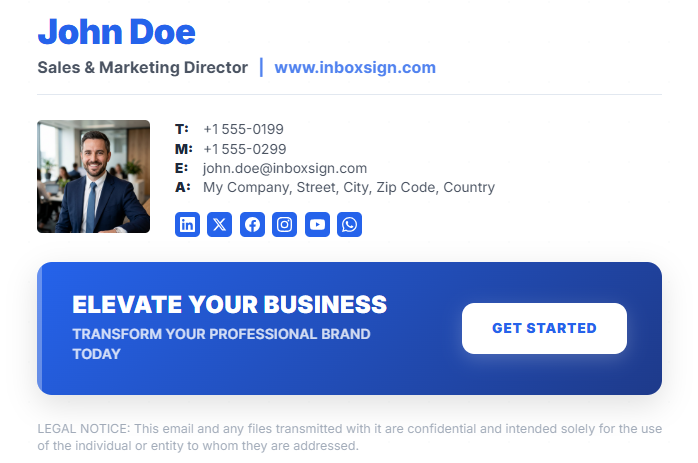
Modern Professional
Clean, balanced layout with a focus on hierarchy and professionalism.
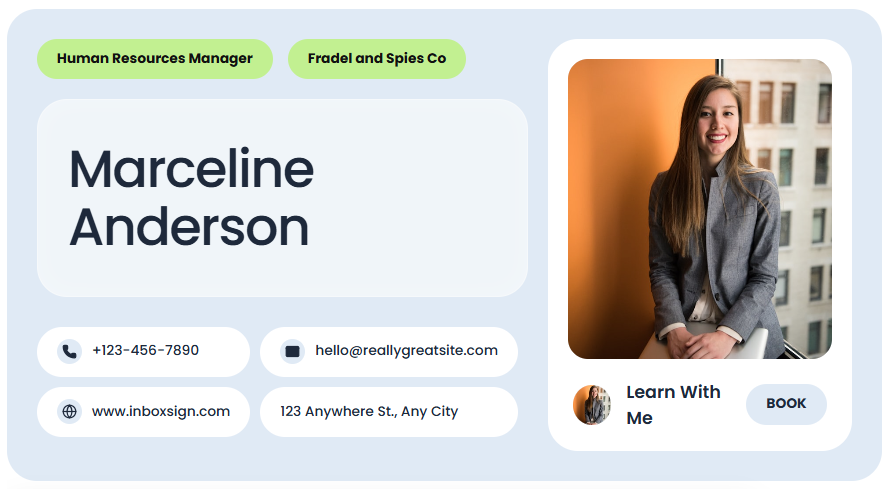
Mint Bubble
Friendly, rounded design with vibrant accents for personal branding.
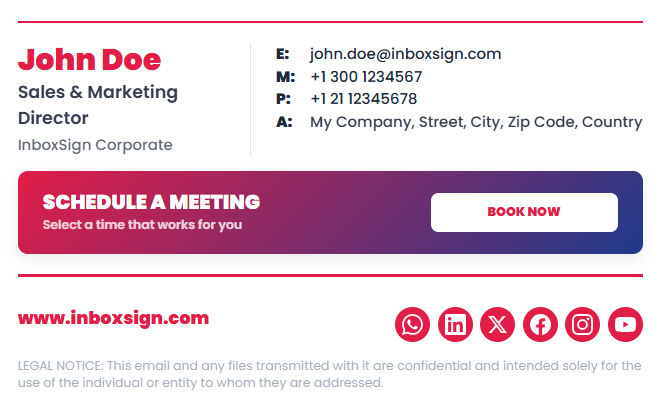
Corporate Red
Authoritative and bold, perfect for established corporate entities.
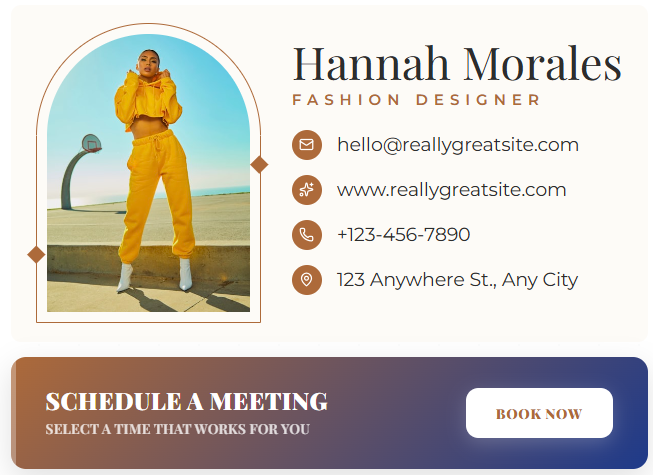
Fashion Arch
Elegant serif typography for high-end boutique and fashion brands.

Landscape Executive
Wide format with high impact for C-suite and executive roles.
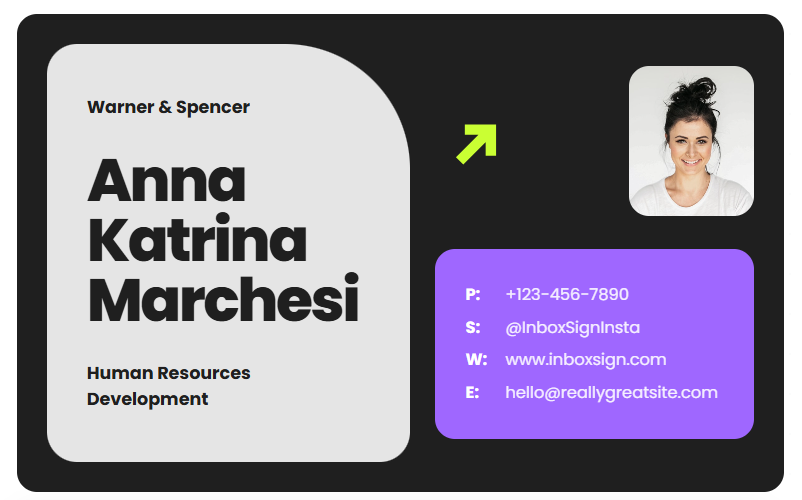
Neo Dark
Futuristic dark mode design for tech startups and AI companies.
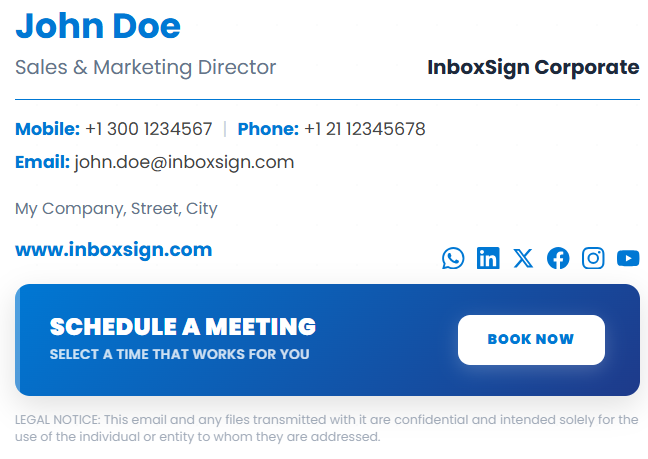
Sky Blue Minimal
Light, airy, and distractions-free focused on pure contact info.
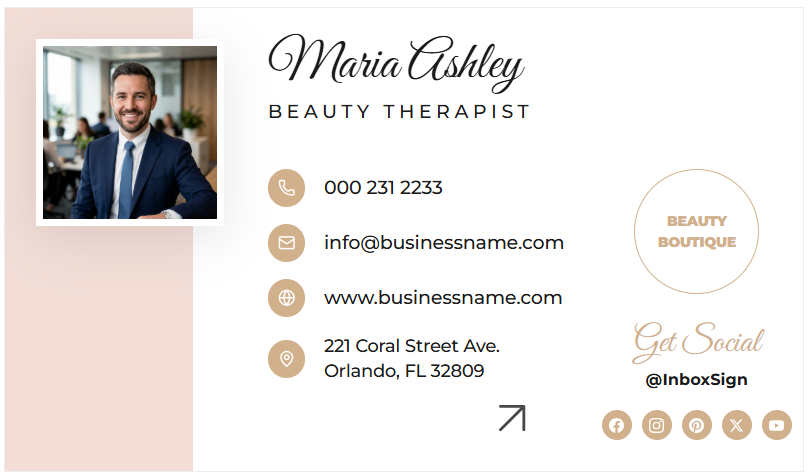
Beauty Boutique
Soft tones and delicate alignment for salons and beauty professionals.
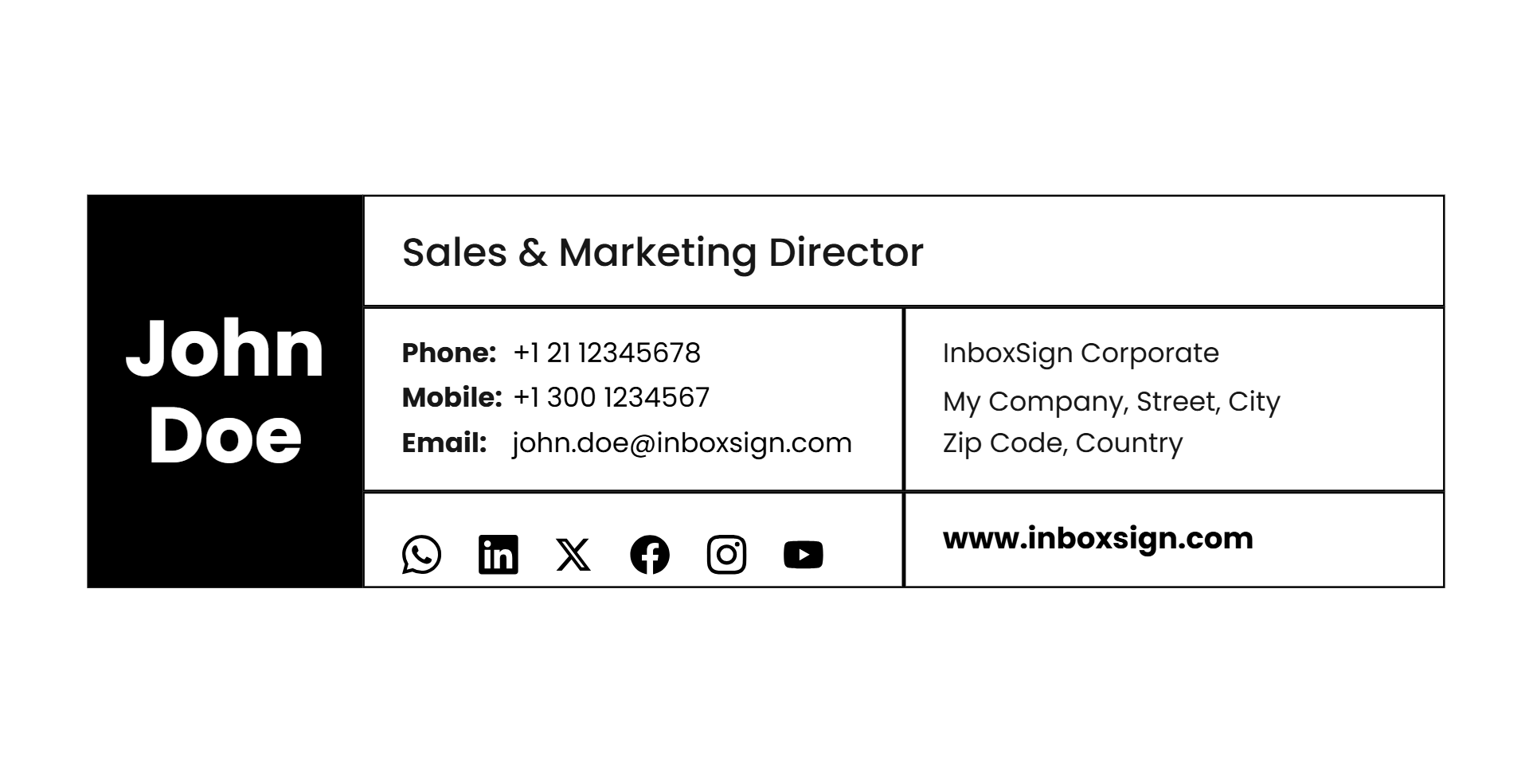
Grid Sidebar
Structured sidebar layout for complex company branding needs.

Personal Script
Handwritten signature style for a premium, human touch.

Creative Manager
Artistic color block design for design leads and directors.
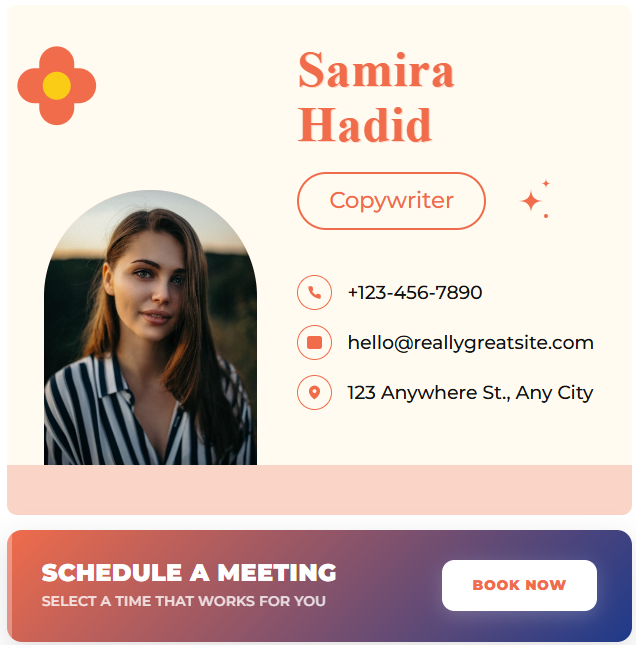
Spring Retro
Fun, nostalgic color palette for lifestyle and social brands.

Creative Director
Bold typeface and high contrast for artistic leadership.

Real Estate Elite
Trusted, authoritative layout with focus on headshots and logo.
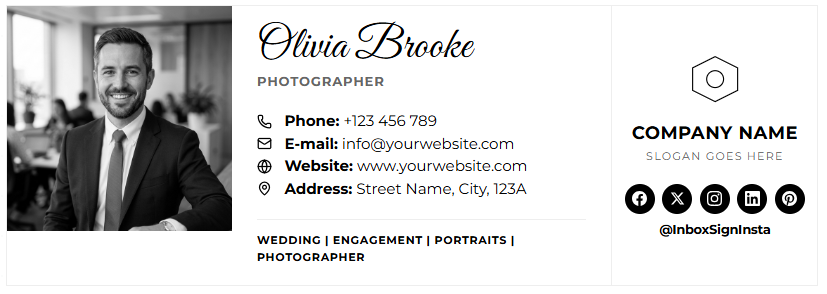
Photographer Mono
Museum-grade minimalism for showcasing visual work.

Modern Eclipse
Circular motifs and fluid alignment for a modern tech feel.

HubSpot Clean
Utility-first layout compatible with all major CRM exports.
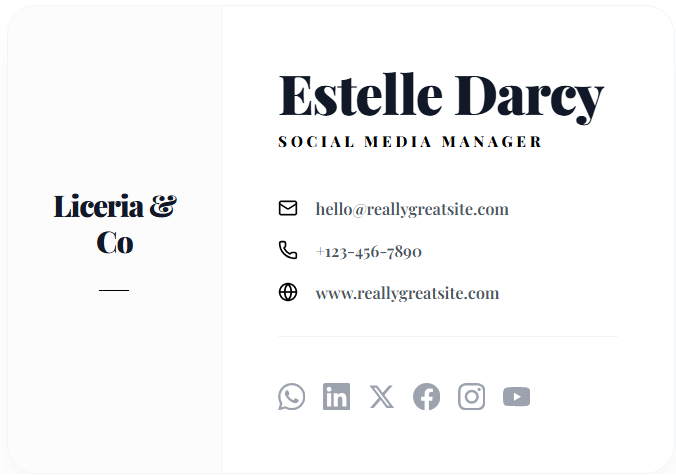
Liceria Artistic
High-fashion aesthetic with asymmetrical balance.

Social Script
Script fonts paired with modern sans-serifs for influencers.
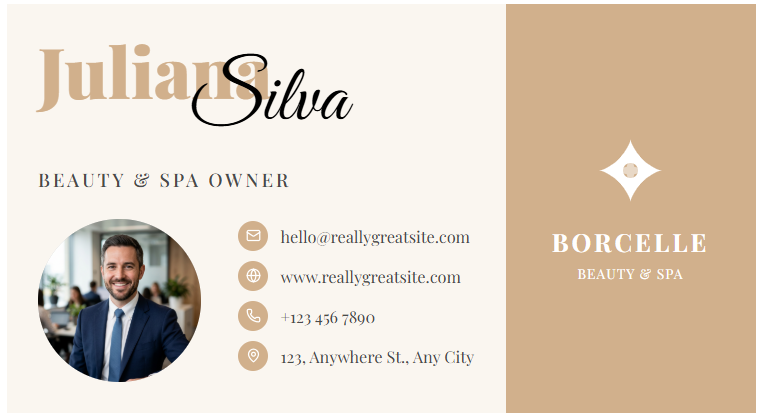
Beauty & Spa
Overlapping elements creating a layered, luxury feel.

Corporate Bold
Grit and power with strong geometric dividers.

Split Professional
Perfect symmetry for balanced professional representation.

Executive Split
Classic vertical split focused on clear department data.

Badge Corporate
ID card inspired layout for high-security and official feel.
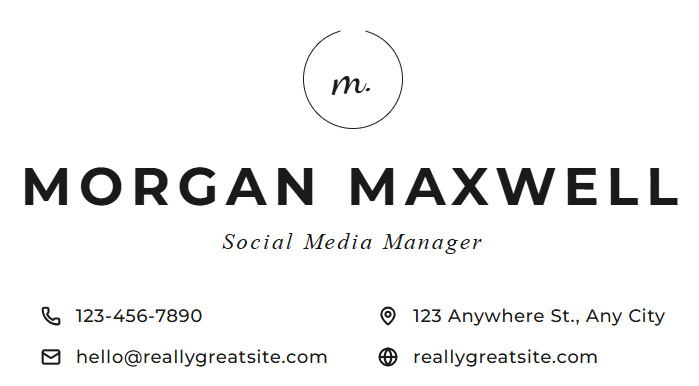
Minimalist Monogram
Centric and icon-focused for an ultra-slick impression.
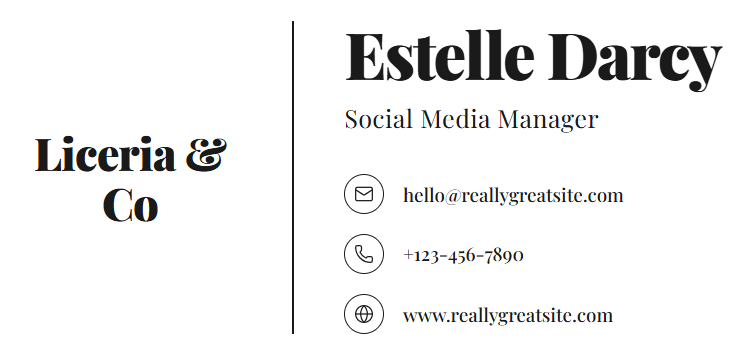
Boutique Serif
Traditional elegance meets modern HTML deliverability.
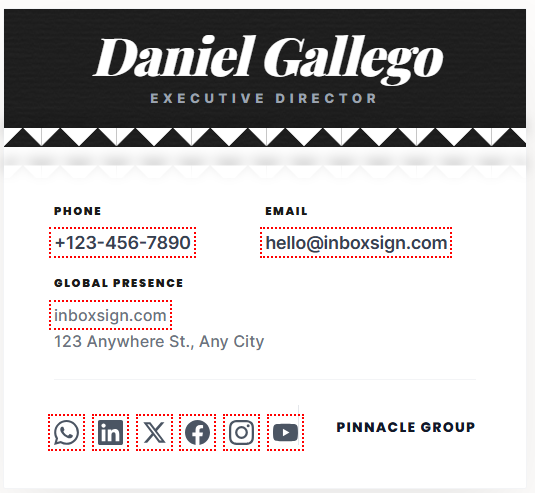
Paper Tear Modern
Unique texture and creative alignment for stand-out brands.
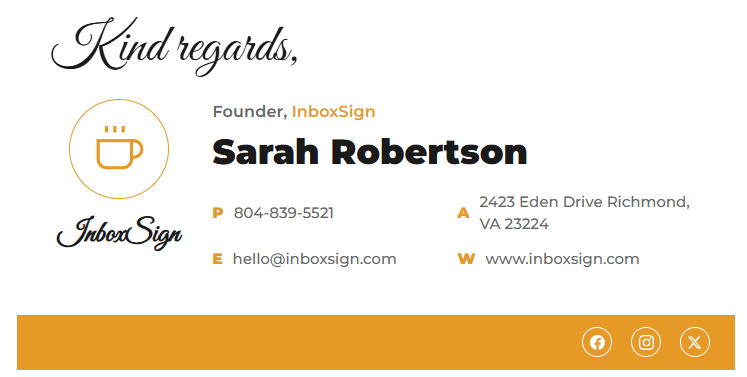
Cappuccino Script
Warm and inviting layout with animated greetings and coffee-shop aesthetics.
Most Popular Email Signature Templates
Top templates used by professionals
Email Signature Templates by Industry
Choose templates designed for specific industries like real estate, healthcare, legal, and consulting.
Preview Your Email Signature
Before Generating
Preview your signature before exporting. See how it looks in Gmail, Outlook, and mobile.
- Dynamic Logo & Photo Upload
- Real-time Color & Font Customization
- One-click Social Media Linking
- Interactive Marketing Banner Preview
- Direct Meeting Booking Integration

Johnathan Doe
Global Marketing Director
Promotional Offer
Get 20% off our new services
Why Use Professional Email Signature Templates
Turn every email into a branded communication.
Professional Branding
Maintain visual consistency across your entire team with perfectly aligned fonts, colors, and logos.
Compatible With Gmail & Outlook
Tested for perfect rendering in Gmail, Outlook, Apple Mail, and mobile clients like iPhone & Android.
Mobile Friendly Design
Responsive layouts that automatically adjust to screen sizes, keeping icons clickable and legible.
HTML Email Signature Format
Exports clean, spam-filter friendly HTML code that doesn't trigger security blocks or move to junk.
Social Media Integration
Icons for LinkedIn, X (Twitter), Instagram, and YouTube to drive more social traffic.
Marketing Banner Support
Easily attach call-to-action banners for events, sales, or meeting booking links without breaking code.
How to Create an Email Signature
Generate your professional footer in under 60 seconds.
Choose
Pick a template design
Fill
Enter your details
Style
Customize colors
Export
Generate HTML code
Install
Paste into Gmail/Outlook
Compare InboxSign with Other Tools
Complete email signature solution. All data based on publicly available features.
| Feature | InboxSign | WiseStamp | MySignature | HubSpot |
|---|---|---|---|---|
| Number of Templates | 50+ | 50+ | 20+ | 6 |
| Free Templates | Unlimited | 1 | None | 6 |
| Custom Branding | Limited | |||
| HTML Export | Paid | Paid | ||
| Marketing Banners | Paid | Paid | Limited | |
| Gmail Compatibility | ||||
| Outlook Compatibility | Unstable |
Who Uses Email Signature Templates?
Built for every professional role and industry.
Email Signature Templates FAQ
Top templates used by professionals
What is the best email signature format?
Can I use these templates in Gmail?
Do email signatures work on mobile?
Are these templates free?
Can I customize colors and fonts?
Create Your Professional Email Signature in Seconds
Start for free. No signup required. Join 100,000+ professionals using InboxSign.