
이메일 서명 템플릿 디자인 둘러보기
스타일, 산업 또는 용도별 필터링. Gmail · Outlook · Apple Mail 호환
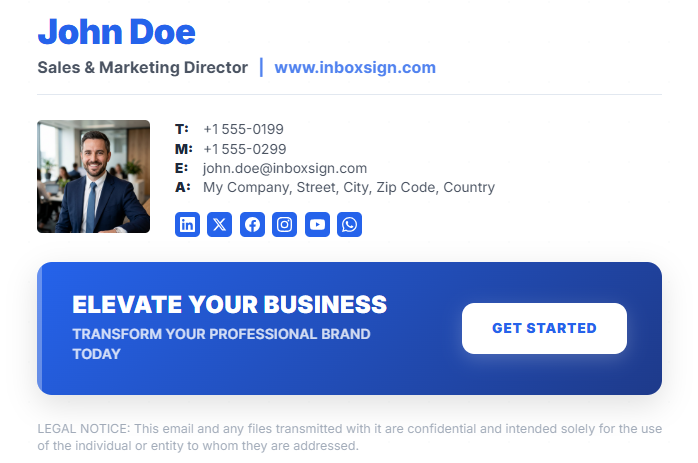
Modern Professional
Clean, balanced layout with a focus on hierarchy and professionalism.
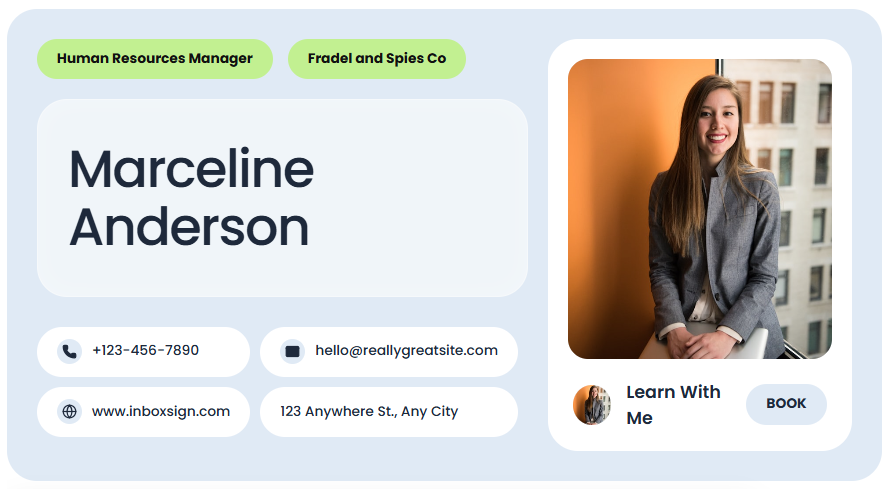
Mint Bubble
Friendly, rounded design with vibrant accents for personal branding.
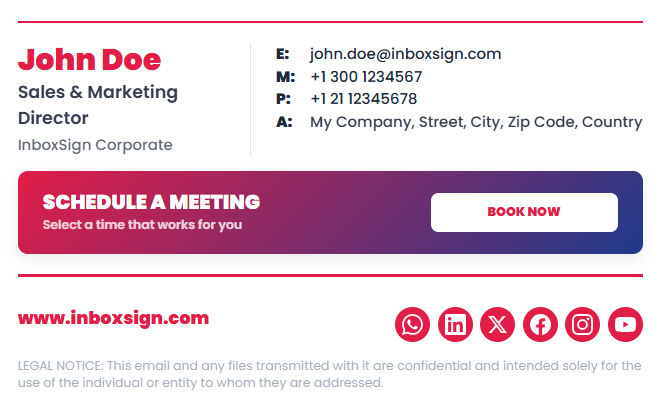
Corporate Red
Authoritative and bold, perfect for established corporate entities.
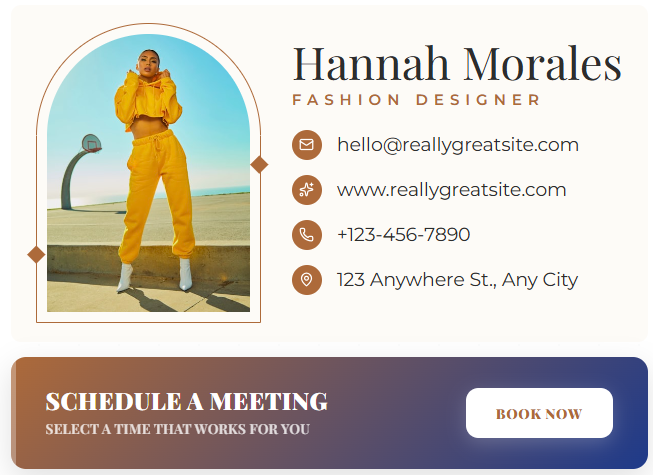
Fashion Arch
Elegant serif typography for high-end boutique and fashion brands.
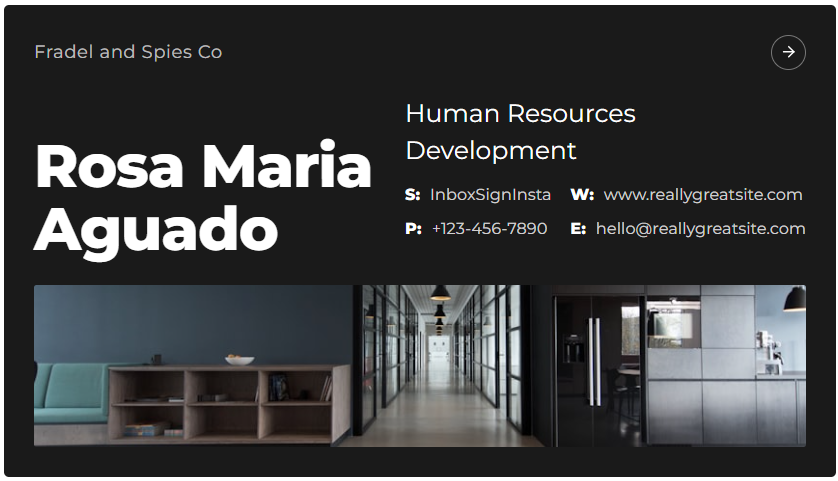
Landscape Executive
Wide format with high impact for C-suite and executive roles.
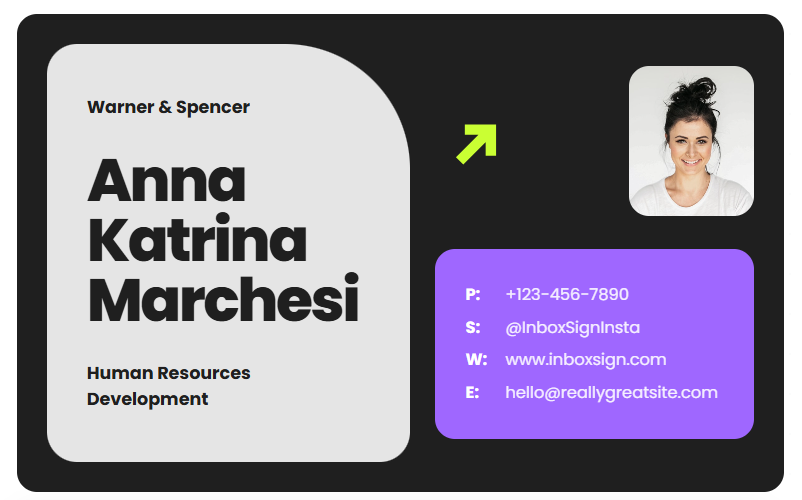
Neo Dark
Futuristic dark mode design for tech startups and AI companies.
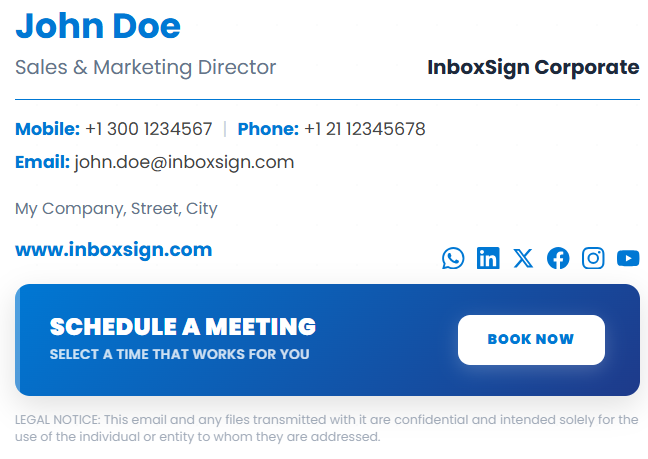
Sky Blue Minimal
Light, airy, and distractions-free focused on pure contact info.
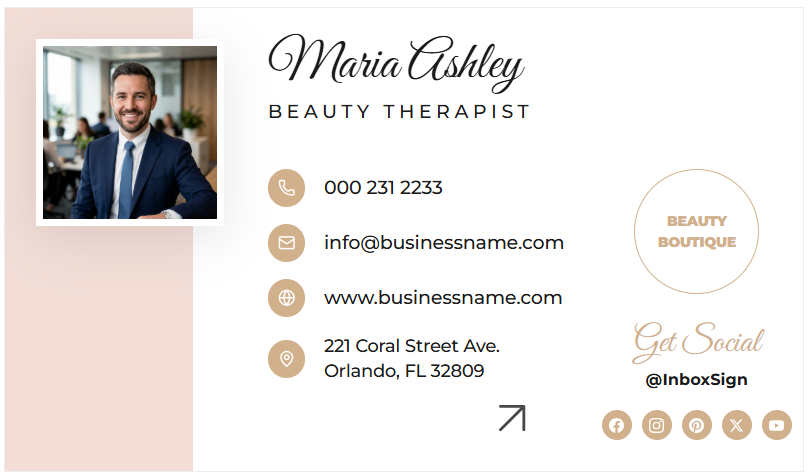
Beauty Boutique
Soft tones and delicate alignment for salons and beauty professionals.
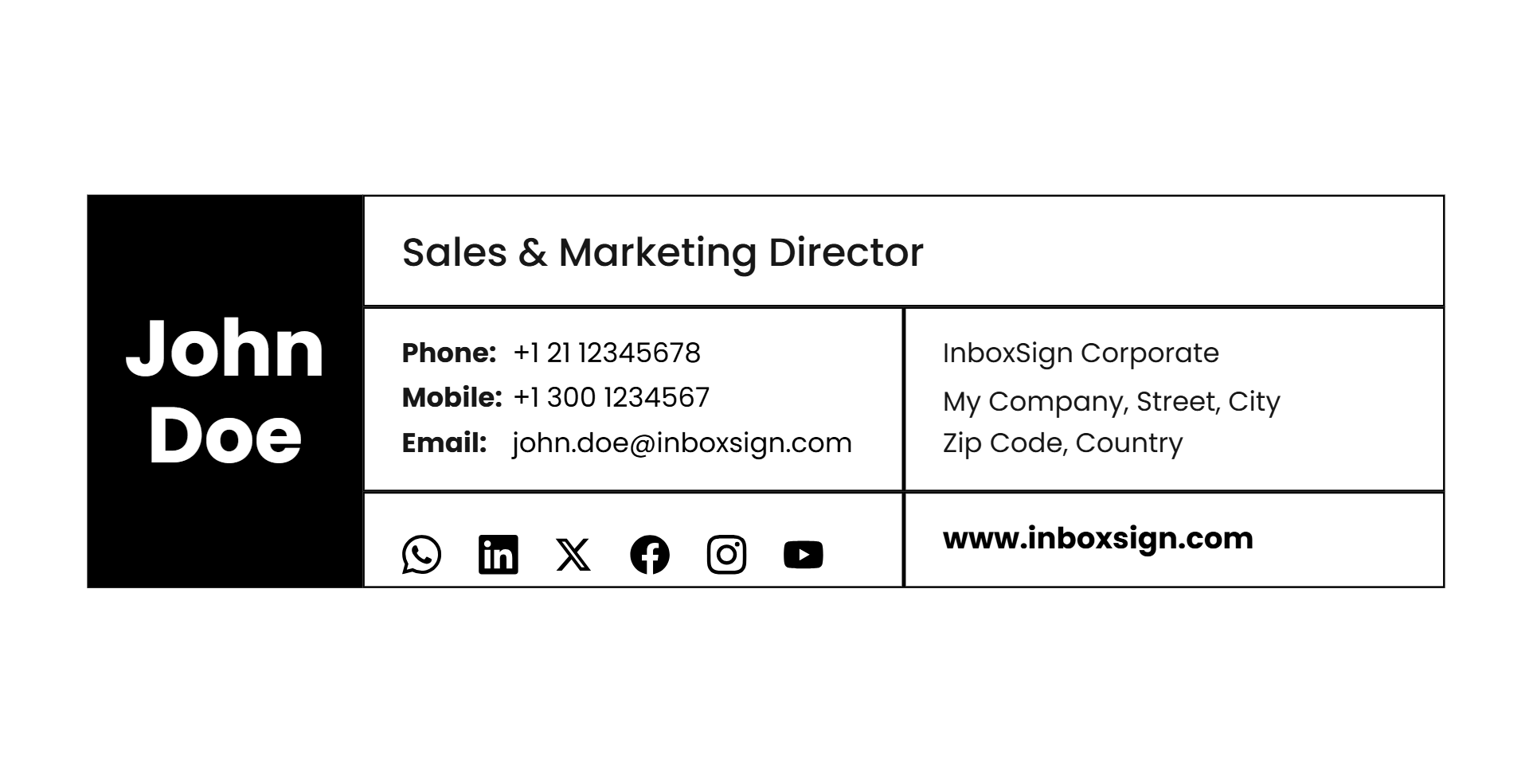
Grid Sidebar
Structured sidebar layout for complex company branding needs.
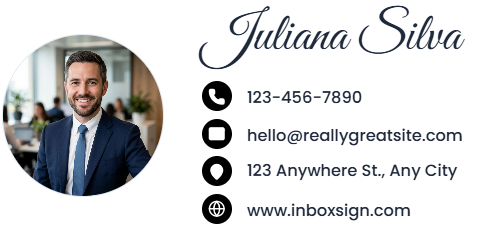
Personal Script
Handwritten signature style for a premium, human touch.
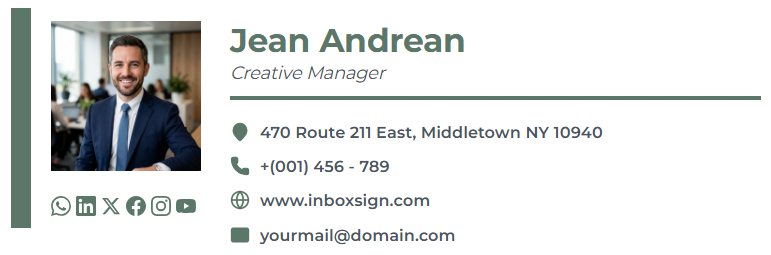
Creative Manager
Artistic color block design for design leads and directors.
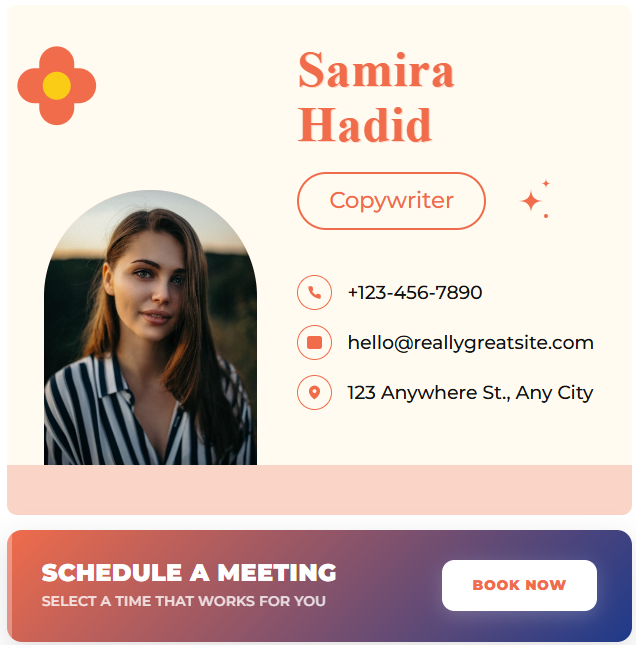
Spring Retro
Fun, nostalgic color palette for lifestyle and social brands.
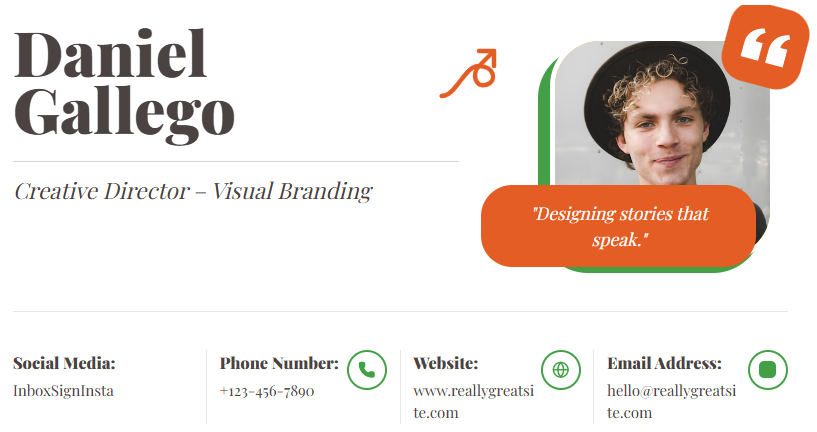
Creative Director
Bold typeface and high contrast for artistic leadership.
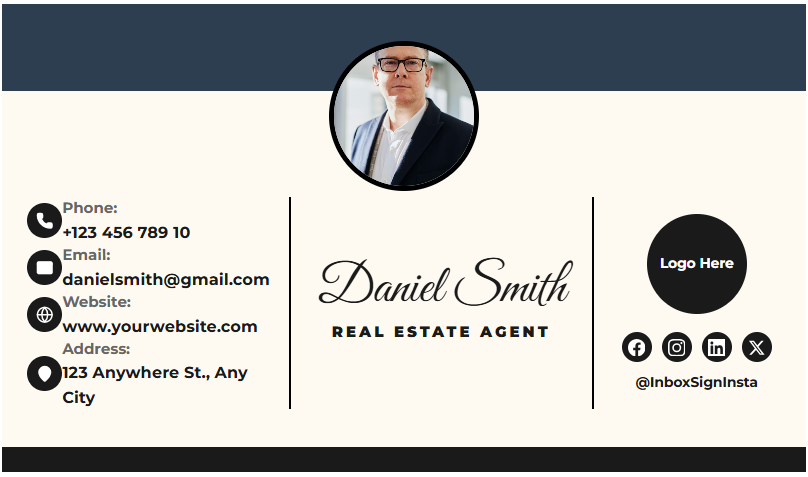
Real Estate Elite
Trusted, authoritative layout with focus on headshots and logo.
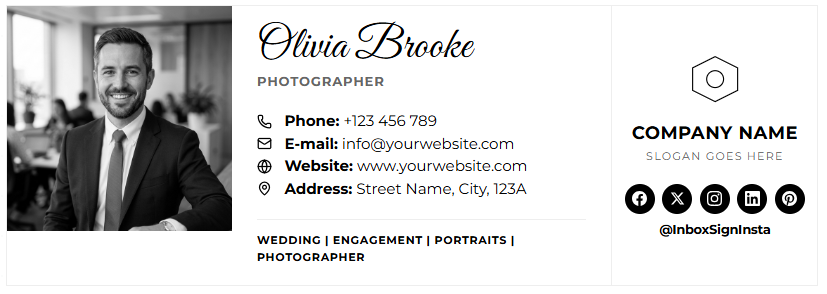
Photographer Mono
Museum-grade minimalism for showcasing visual work.
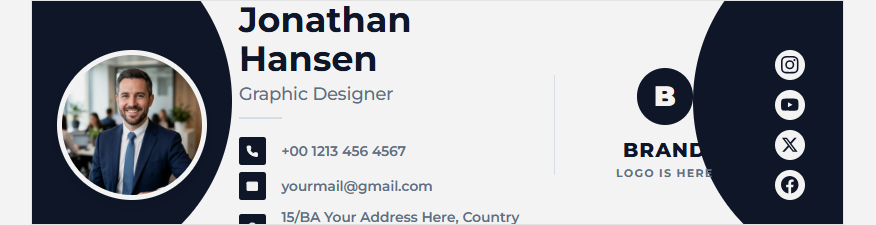
Modern Eclipse
Circular motifs and fluid alignment for a modern tech feel.
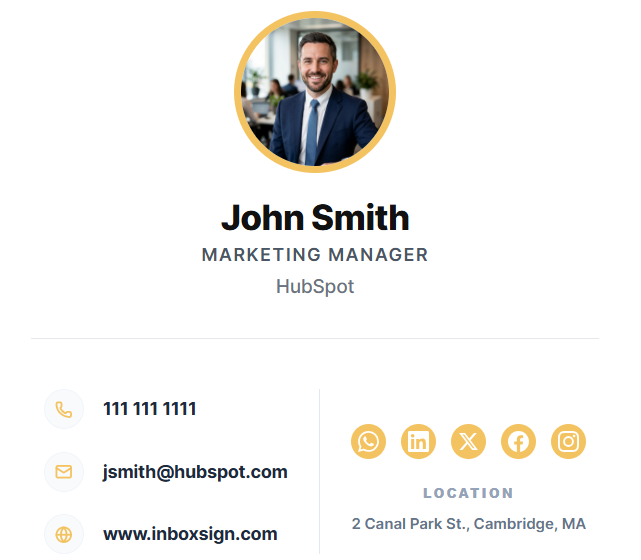
HubSpot Clean
Utility-first layout compatible with all major CRM exports.
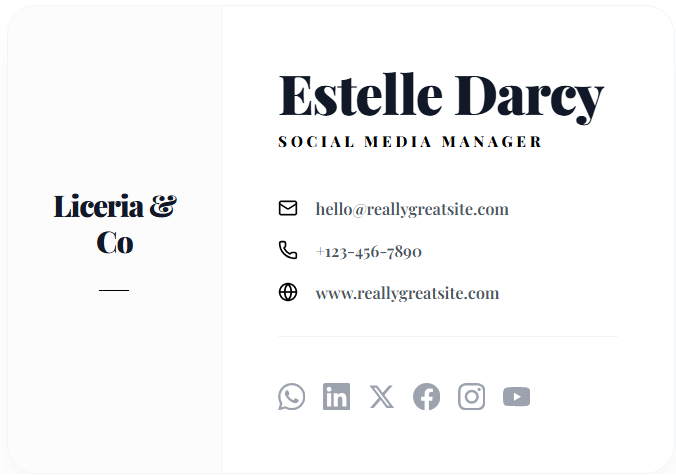
Liceria Artistic
High-fashion aesthetic with asymmetrical balance.
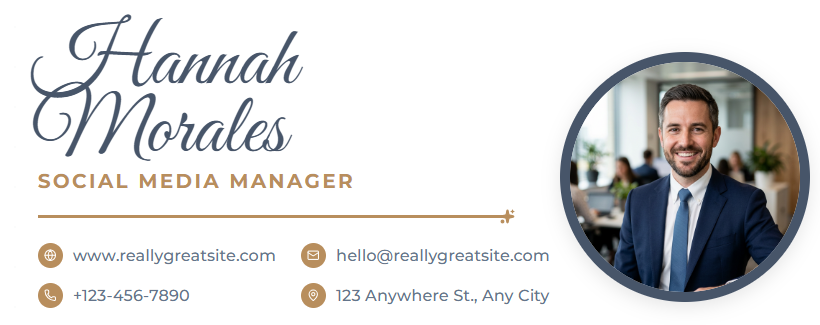
Social Script
Script fonts paired with modern sans-serifs for influencers.
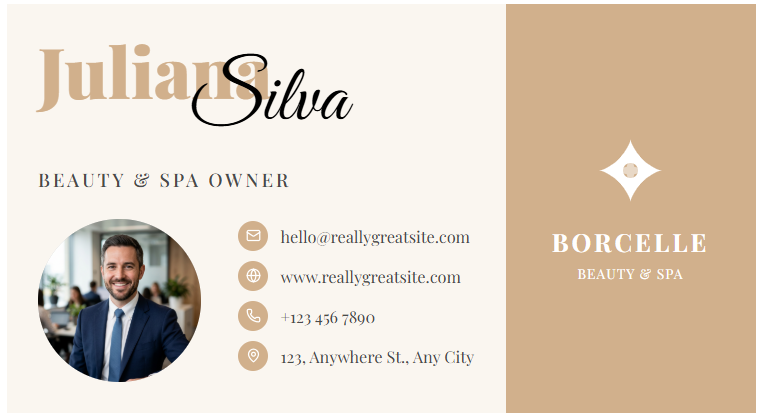
Beauty & Spa
Overlapping elements creating a layered, luxury feel.
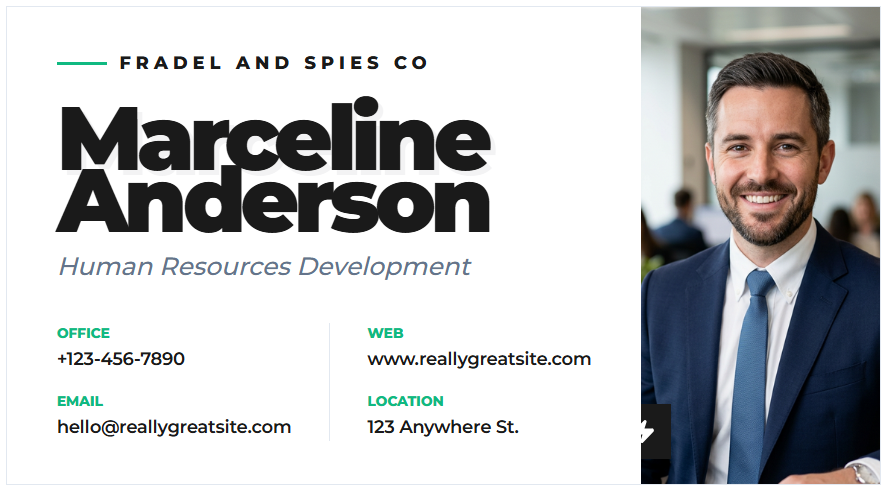
Corporate Bold
Grit and power with strong geometric dividers.
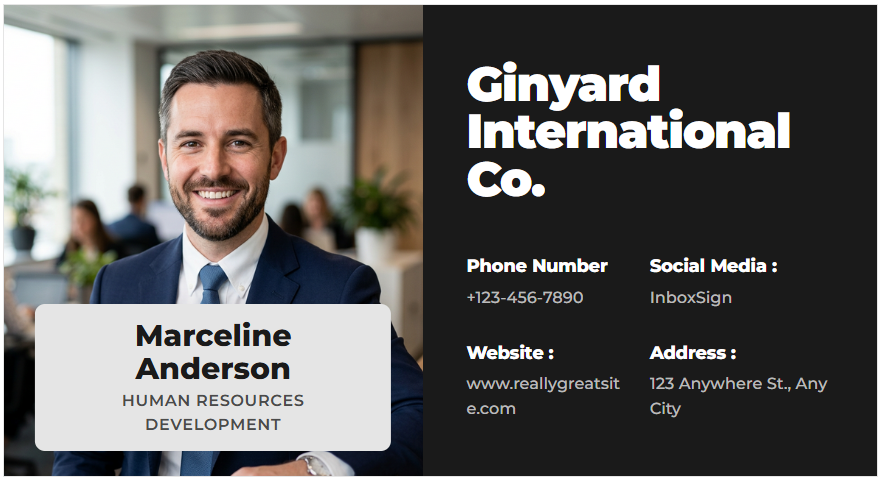
Split Professional
Perfect symmetry for balanced professional representation.
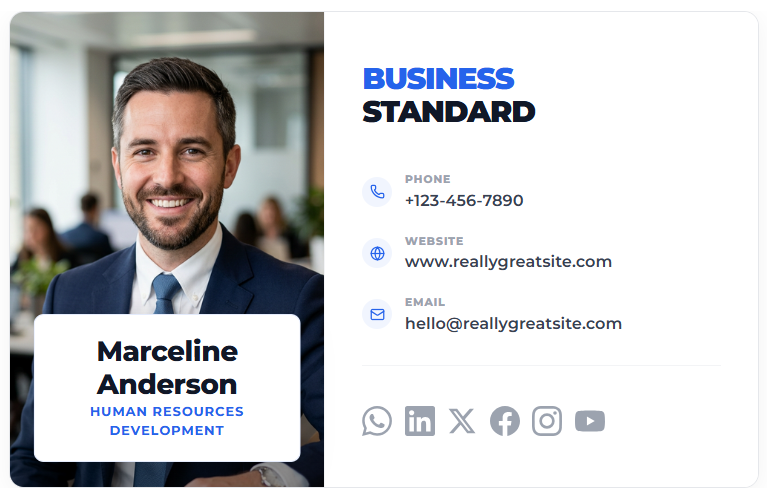
Executive Split
Classic vertical split focused on clear department data.
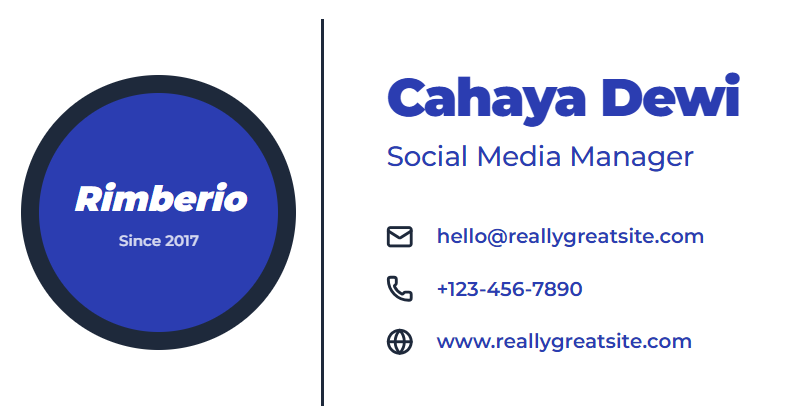
Badge Corporate
ID card inspired layout for high-security and official feel.
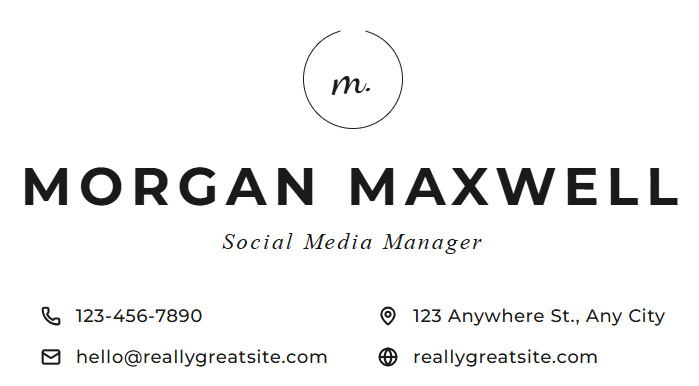
Minimalist Monogram
Centric and icon-focused for an ultra-slick impression.
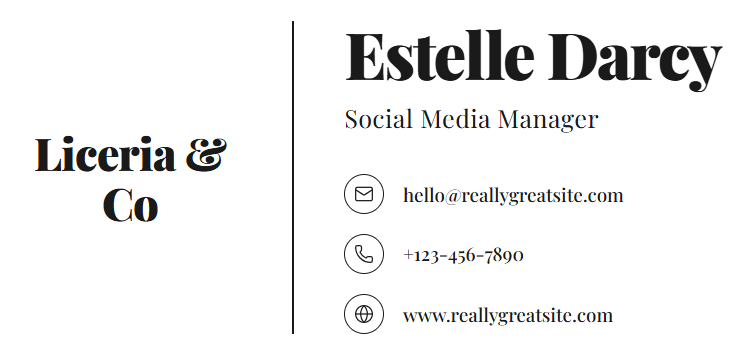
Boutique Serif
Traditional elegance meets modern HTML deliverability.
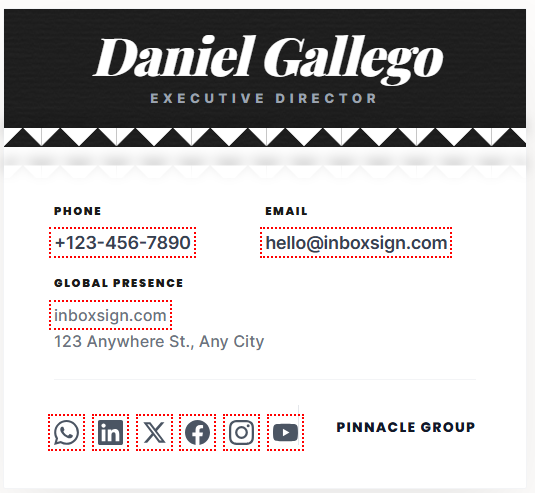
Paper Tear Modern
Unique texture and creative alignment for stand-out brands.
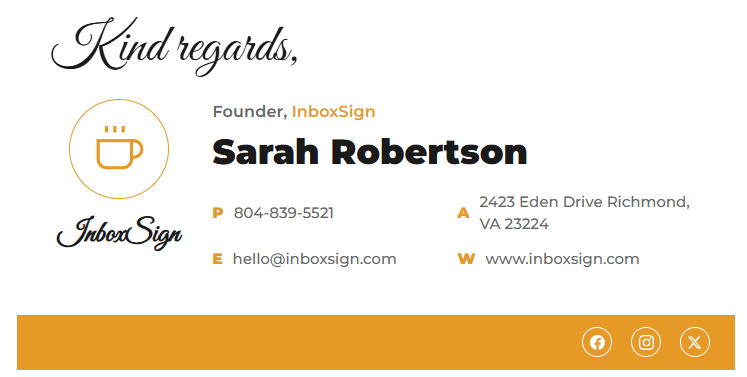
Cappuccino Script
Warm and inviting layout with animated greetings and coffee-shop aesthetics.
산업별 이메일 서명 템플릿
부동산, 의료, 법률, 컨설팅 등 특정 산업 분야에 최적화된 디자인을 선택하세요.
이메일 서명을
생성 전 미리 확인하세요
내보내기 전에 서명을 미리 확인하세요. Gmail, Outlook 및 모바일에서 어떻게 보이는지 확인할 수 있습니다.
- 동적 로고 및 사진 업로드
- 실시간 색상 및 글꼴 맞춤 설정
- 클릭 한 번으로 소셜 미디어 연결
- 인터랙티브 마케팅 배너 미리보기
- 직접 미팅 예약 통합

Johnathan Doe
글로벌 마케팅 디렉터
프로모션 혜택
신규 서비스 20% 할인 받기
전문가용 이메일 서명 템플릿을 사용하는 이유
모든 이메일을 브랜드 소통의 기회로 바꾸세요.
전문적인 브랜딩
완벽하게 정렬된 글꼴, 색상, 로고로 팀 전체의 시각적 일관성을 유지하세요.
Gmail 및 Outlook 호환성
Gmail, Outlook, Apple Mail은 물론 iPhone 및 Android 모바일 클라이언트에서도 완벽하게 렌더링되도록 테스트되었습니다.
모바일 친화적 디자인
화면 크기에 따라 자동으로 조정되는 반응형 레이아웃으로 아이콘 클릭과 가독성을 보장합니다.
HTML 이메일 서명 형식
보안 블록을 유발하거나 정크 메일로 이동하지 않는 스팸 필터 친화적인 클린 HTML 코드를 내보냅니다.
소셜 미디어 통합
LinkedIn, X (Twitter), Instagram, YouTube 아이콘을 추가하여 소셜 미디어 트래픽을 유도하세요.
마케팅 배너 지원
코드 손상 없이 이벤트, 할인, 미팅 예약 링크를 위한 호출 문구(CTA) 배너를 쉽게 추가할 수 있습니다.
이메일 서명 만드는 방법
60초 이내에 전문가용 하단 서명을 생성하세요.
선택
템플릿 디자인 고르기
입력
상세 정보 입력
스타일
색상 맞춤 설정
내보내기
HTML 코드 생성
설치
이메일 설정에 붙여넣기
Compare InboxSign with Other Tools
Complete email signature solution. All data based on publicly available features.
| Feature | InboxSign | WiseStamp | MySignature | HubSpot |
|---|---|---|---|---|
| Number of Templates | 50+ | 50+ | 20+ | 6 |
| Free Templates | Unlimited | 1 | None | 6 |
| Custom Branding | Limited | |||
| HTML Export | Paid | Paid | ||
| Marketing Banners | Paid | Paid | Limited | |
| Gmail Compatibility | ||||
| Outlook Compatibility | Unstable |
Who Uses Email Signature Templates?
Built for every professional role and industry.
Email Signature Templates FAQ
전문가들이 가장 많이 선택한 상위 템플릿
What is the best email signature format?
Can I use these templates in Gmail?
Do email signatures work on mobile?
Are these templates free?
Can I customize colors and fonts?
Create Your Professional Email Signature in Seconds
무료로 시작하세요. 가입이 필요 없습니다. 100,000명 이상의 전문가들이 InboxSign을 사용하고 있습니다.